

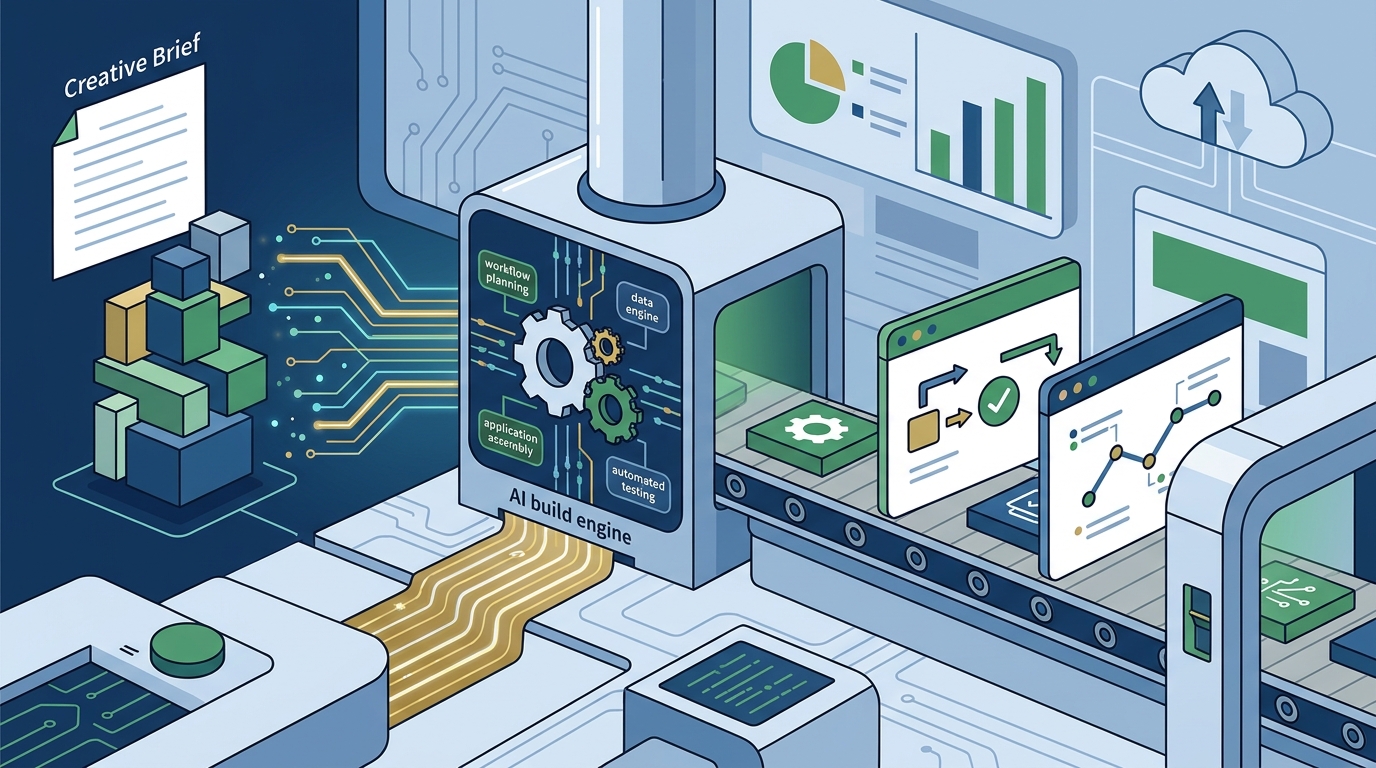
Yes, there are AI builders for workflow apps that let you describe approvals and tracking in plain English. I Team App Builder turns a written brief into a planned, built, and tested application without requiring you to manage the engineering stack. This guide covers how approval workflow automation and request tracking systems function within these platforms, and how to evaluate them for your specific business needs.
Approval Workflow Automation
Approval workflow automation is the process of using software to route tasks, documents, or requests through a defined sequence of decision-makers. In a traditional setup, this often involves email chains, spreadsheets, or manual status updates. Modern AI-assisted platforms allow you to define these sequences using natural language descriptions rather than complex visual node editors or code. For additional details, review the .
Defining the Logic in Plain English
Handling Exceptions and Escalations
Request Tracking Systems
A request tracking system is a centralized interface where users can submit inquiries, track their status, and receive updates without direct human intervention. These systems are essential for customer support, internal IT help desks, and project management. By using a plain-English description, you can define the fields required for a request, the status lifecycle (e.g., New, In Progress, Resolved), and the visibility rules for different user roles. For additional details, review the Customer Experience.
Building the Data Model
User Interface and Dashboard Design
Platform Comparison
| Feature | I Team App Builder | Traditional No-Code | Custom Code |
|---|---|---|---|
| Input Method | Plain English brief | Visual drag-and-drop | Programming language |
| Engineering Management | Handled by platform | User manages components | User manages stack |
| Verification | Automated runtime checks | Manual testing | Manual testing |
| Best For | Founders and small teams | Non-technical operators | Highly complex custom needs |
Key Takeaways
- Plain-English AI builders allow non-technical users to create functional workflow apps by describing business logic in natural language.
- Approval automation requires clear definitions of decision-makers, thresholds, and escalation paths to function correctly.
- Request tracking systems rely on a well-defined data model to link requests, users, and projects effectively.
- Automated verification steps in AI builders help catch errors before deployment, reducing the need for manual debugging.
- Server-side credential management in platforms like I Team App Builder enhances security by keeping API keys hidden from the user interface.
- Users should still review generated software independently, especially for high-risk or regulated use cases.
- The choice between AI builders and traditional no-code tools depends on the complexity of the workflow and the user's technical background.
Frequently Asked Questions
Can I describe complex approval rules in plain English?
Yes, you can describe complex rules using natural language. The AI engine parses these descriptions to generate the necessary conditional logic. For example, you can specify multi-step approvals based on amount, department, or user role.
Do I need to know how to code to use an AI builder?
No, you do not need coding skills. The platform handles the technical execution, including writing the code and managing the infrastructure. You focus on describing what the app should do.
How does the platform handle security?
Security is managed by keeping provider credentials server-side. This means your API keys and sensitive data are not exposed in the client-side code. However, you should still review the final application for any specific security requirements.
Can I modify the app after it is built?
Yes, you can modify the app by updating your brief or making specific changes. The platform supports versioned projects, allowing you to track changes and revert to previous versions if needed.
Is the generated software guaranteed to be error-free?
No, no software is guaranteed to be error-free. While the platform includes automated verification steps, results can vary depending on the project complexity. Users should independently review the software before relying on it for critical operations.
What kinds of apps can I build?
You can build a wide range of apps, including client portals, project management tools, approval systems, and request trackers. The key is that you can describe the business need in plain English.
Conclusion
Building workflow apps no longer requires deep technical expertise. Platforms like I Team App Builder empower founders and operators to create functional software by simply describing their needs. By focusing on approval automation and request tracking, you can streamline your business processes and reduce manual overhead. To start building your first app, visit the I Team App Builder homepage and describe your business in plain English.