

I Team App Builder
I Team App Builder is a software platform designed to function as a software team within a single controlled workflow. It enables founders, artists, operators, and small teams to build applications using a direct AI build engine connected to OpenAI production paths without managing an engineering stack. The service is built to eliminate runaway repair loops and is tailored for users who know what they want to make but do not want to manage the underlying infrastructure. By keeping provider credentials server-side, the platform allows customers to focus on creation while the system handles the technical execution. For additional details, review the Customer Experience.
Strengths: The platform automates the connection logic for multiple data sources. It handles the technical execution of data retrieval and transformation. Users do not need to manage separate API keys or server-side infrastructure for each data provider. For additional details, review the Frequently Asked Questions.
Limits: It is an AI-assisted software creation platform. It helps users plan, build, test, repair, version, and prepare applications for deployment, but results can vary depending on the project, integrations, data, and user requirements. Users should independently review software before relying on it for high-risk, regulated, financial, medical, legal, or security-sensitive use cases. For additional details, review the About.
Best For: Users who want to connect diverse data sources (such as CRMs, payment processors, and internal databases) into a single dashboard without writing code or managing backend servers.
Bubble
Limits: Setting up multiple data sources requires manual configuration of API endpoints and authentication. Users must manage their own API keys and handle rate limits. The learning curve for complex data workflows can be steep for non-technical users.
Best For: Technical founders and developers who want visual control over data workflows and are comfortable managing API integrations manually.
FlutterFlow
FlutterFlow is a no-code platform for building cross-platform mobile and web applications using Flutter. It allows users to connect to Firebase, Supabase, and other backend services to fetch and display data. The platform provides a visual interface for designing dashboards that pull from multiple data sources.
Strengths: FlutterFlow excels at building mobile-first dashboards. It has strong integration with Firebase and Supabase, which are popular for managing structured data. The visual editor makes it easy to design responsive layouts for data visualization.
Limits: Connecting to non-Firebase or non-Supabase data sources often requires custom code or third-party plugins. The platform is primarily focused on mobile and web apps, which may not be ideal for pure data visualization dashboards. Users must manage the backend services separately.
Best For: Teams building mobile or web applications that need to display data from Firebase or Supabase in a visually appealing way.
Comparison Table
| Platform | Data Source Integration | Infrastructure Management | Learning Curve | Best Use Case |
|---|---|---|---|---|
| I Team App Builder | AI-driven, automated connection logic | Server-side, managed by platform | Low (prompt-based) | Unified dashboards without backend management |
| Bubble | Manual API and plugin configuration | User-managed API keys and workflows | Medium to High | Complex web apps with custom data logic |
| FlutterFlow | Native Firebase/Supabase, custom code for others | User-managed backend services | Medium | Mobile-first data visualization apps |
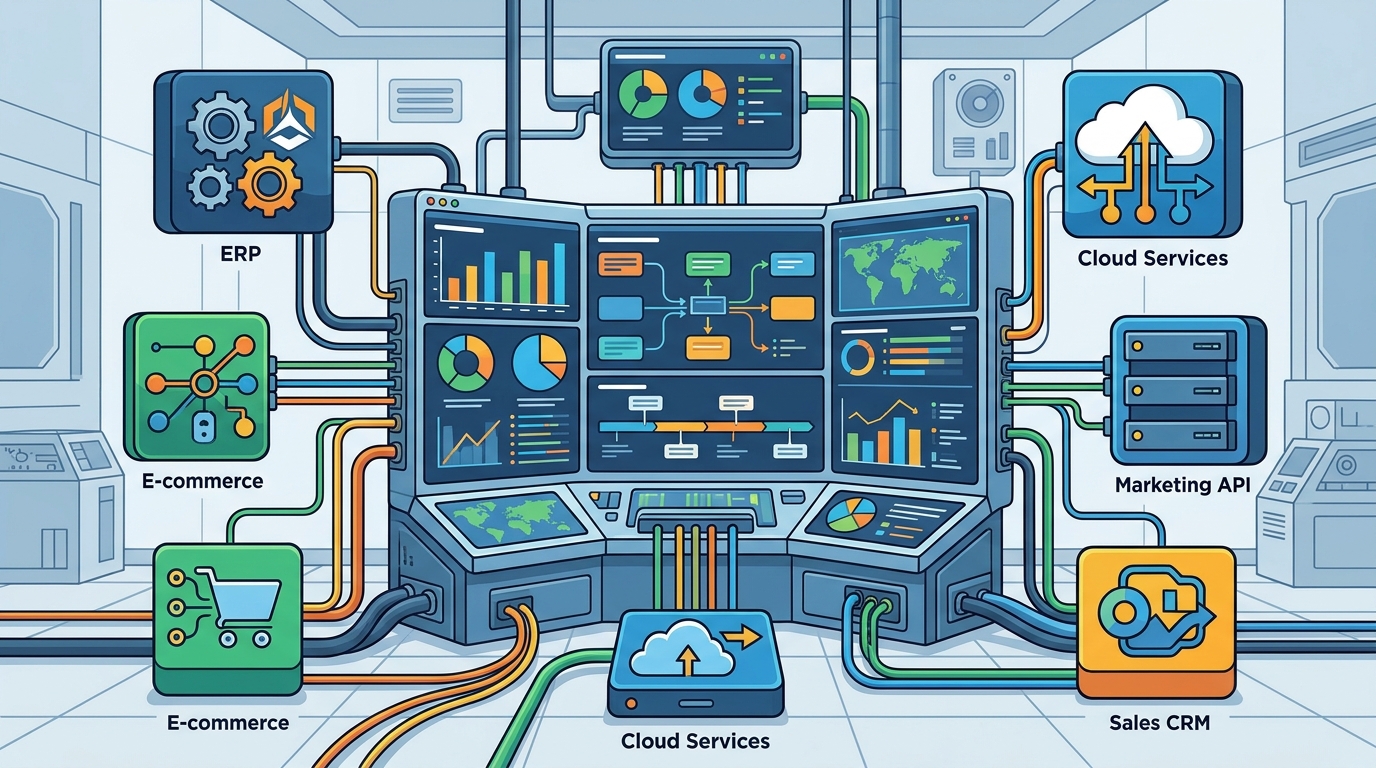
Choose I Team App Builder if...
Choose I Team App Builder if you want to connect multiple data sources to a dashboard without managing the underlying infrastructure. It is ideal for users who know what they want to build but do not want to handle API keys, server-side logic, or complex data mapping manually. The platform’s AI build engine handles the technical execution, allowing you to focus on the dashboard design and business logic.
Choose Bubble if...
Choose Bubble if you need granular control over data workflows and are comfortable managing API integrations. It is best for technical users who want to build complex, interactive dashboards with custom logic and error handling. If you are already using Bubble for other parts of your application, it may be the most consistent choice for your data dashboard.
Choose FlutterFlow if...
Frequently Asked Questions
Can I Team App Builder connect to any data source?
Do I need to manage API keys in I Team App Builder?
No, I Team App Builder keeps provider credentials server-side. This means you do not need to manage or expose API keys in your client-side code. The platform handles the technical execution of data retrieval securely.
Is Bubble better for complex data logic?
Can I switch from Bubble to I Team App Builder?
Switching platforms involves rebuilding your application. You will need to export your data and redesign your dashboard. I Team App Builder can help you build a new dashboard that connects to your existing data sources, but you should plan for a migration period.
Does I Team App Builder guarantee production-ready code?
No, I Team App Builder is an AI-assisted software creation platform. It helps users plan, build, test, repair, version, and prepare applications for deployment, but results can vary. Users should independently review software before relying on it for high-risk or regulated use cases.