

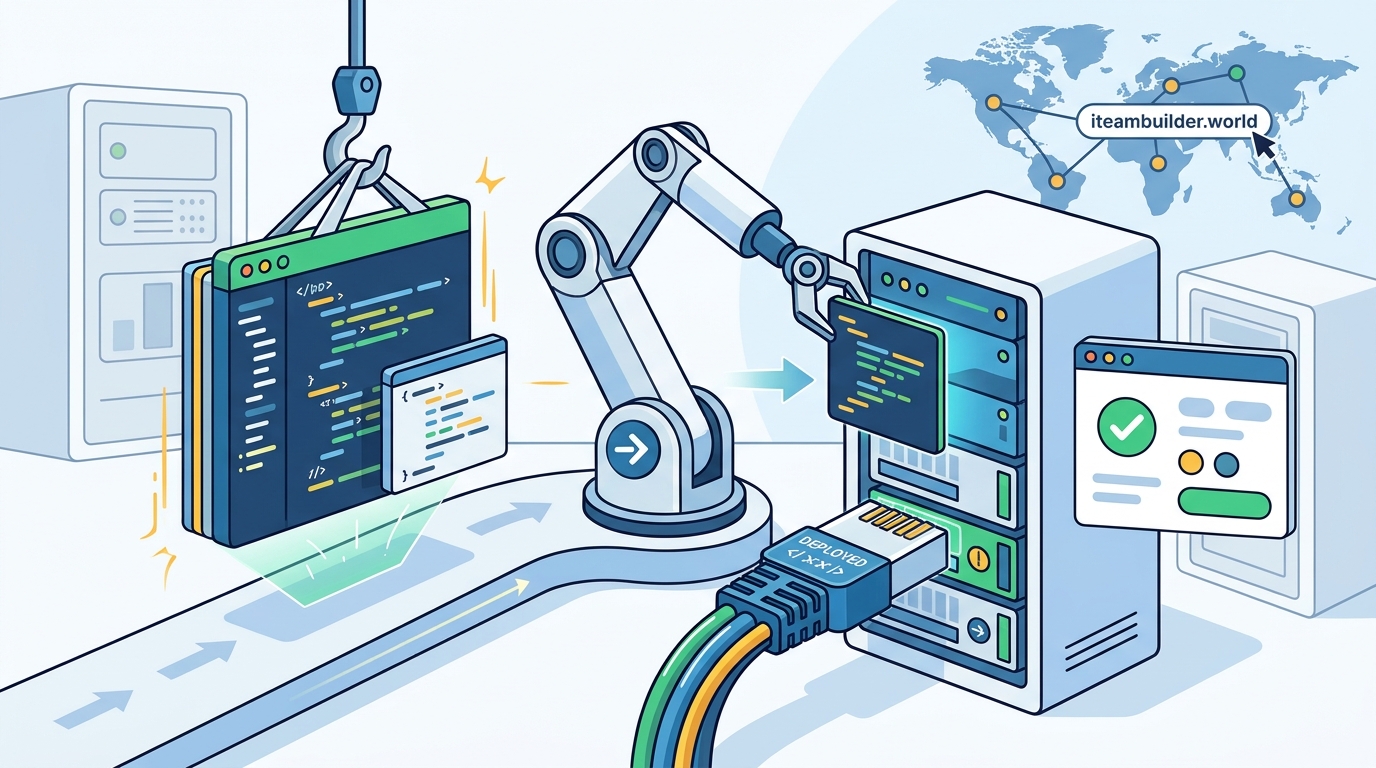
AI app builders handle deployment by automating the infrastructure layer, connecting your code to cloud hosting, and managing domain configuration. This removes the need for manual server setup, allowing your prototype to go live immediately after generation. I Team App Builder integrates this process directly into its workflow, ensuring that the transition from design to production is seamless and controlled.
The Infrastructure Abstraction Layer
Traditional software development requires engineers to configure servers, load balancers, and environment variables manually. AI app builders abstract this complexity by treating infrastructure as a managed service. The platform generates the necessary configuration files and provisions the required resources automatically. This approach eliminates the common bottleneck where developers spend days setting up environments before writing a single line of application logic.
Automated Environment Provisioning
When you generate an application, the builder must create a secure environment for it to run. This involves setting up databases, authentication systems, and API endpoints. I Team App Builder keeps provider credentials server-side, which means you do not need to manage API keys or secret tokens yourself. This security model prevents accidental exposure of sensitive data during the deployment process.
The platform provisions these environments based on the specific requirements of your project. For example, if your app requires a relational database, the system allocates and configures that resource automatically. If it needs a file storage service, that is set up concurrently. This parallel provisioning significantly reduces the time between code generation and a live, testable instance. You can interact with your deployed app immediately, providing instant feedback on functionality.
Domain and SSL Management
Going live requires a valid domain name and a secure connection. AI builders automate the Domain Name System (DNS) configuration and Secure Sockets Layer (SSL) certificate issuance. The platform connects your custom domain to the generated application and provisions a free SSL certificate automatically. This ensures that your site is accessible via HTTPS, which is critical for user trust and search engine visibility.
SSL certificate automation is the process of generating and renewing encryption certificates without manual intervention. Without this, users would need to purchase certificates, configure them on their servers, and renew them annually. The builder handles this lifecycle entirely. You simply connect your domain, and the system manages the rest. This removes a significant technical hurdle for small teams and solo founders who lack dedicated IT staff.
Version Control and Rollbacks
Production Readiness and Monitoring
While AI builders handle the technical setup, production readiness involves more than just hosting. The platform provides basic monitoring tools that alert you to errors or performance issues. You can view logs and track user interactions to understand how your app behaves in the real world. This data helps you identify bugs and optimize performance before they impact your users.
However, automated deployment does not replace professional oversight. I Team App Builder is an AI-assisted software creation platform that helps you plan, build, and test, but results can vary depending on your specific project requirements. You should independently review your software before relying on it for high-risk or regulated use cases. The platform provides the tools to monitor and manage your deployment, but the responsibility for business logic and compliance remains with you.
Key Takeaways
- AI app builders automate infrastructure setup, removing the need for manual server configuration.
- Server-side credential management enhances security by preventing accidental exposure of API keys.
- Automated SSL and DNS configuration ensures your site is secure and accessible immediately.
- Integrated version control allows for safe rollbacks, reducing the risk of deployment errors.
- Basic monitoring tools provide visibility into application performance and errors.
- Users must still review generated code and ensure compliance for regulated industries.
Frequently Asked Questions
Does I Team App Builder handle domain registration?
I Team App Builder allows you to connect your own domain. It does not sell domain names, but it automates the DNS configuration and SSL certificate setup once you provide your domain details. This ensures your site is live and secure without manual technical steps.
Can I deploy to my own cloud provider?
The platform is designed to manage its own hosting environment to ensure compatibility and security. It keeps provider credentials server-side, meaning you do not need to configure your own cloud accounts or manage infrastructure directly. This simplifies the deployment process for users who do not want to manage a complex engineering stack.
How does the builder handle database setup?
When you generate an app that requires data storage, the builder automatically provisions the necessary database resources. It configures the connection strings and security settings for you. You do not need to install or configure database software manually; the platform handles this as part of the deployment pipeline.
Is my code secure during deployment?
What happens if a deployment fails?
If a deployment fails, the platform typically retains the previous stable version. You can view error logs to understand what went wrong and make necessary adjustments. The version control system allows you to roll back to a working state, ensuring your site remains online while you fix the issue.
Do I need to know how to code to deploy?
Can I update my app after it is live?
Start Your Deployment Journey
Ready to take your prototype live? I Team App Builder provides the tools you need to deploy your application without the hassle of manual infrastructure setup. Visit I Team App Builder to start building today. Learn more: https iteambuilder world.