

AI App Builders for User Accounts, Protected Routes, and Persistent Data
Yes, modern AI app builders can handle user accounts, protected pages, and persistent data. I Team App Builder is a controlled AI platform that turns plain-English briefs into planned, built, and verified applications. It manages the engineering stack, including server-side AI credentials, so you can focus on your product logic. This guide covers how authentication, route protection, and database persistence work in AI-driven development. It also compares I Team App Builder with other tools like Bubble and Softr to help you choose the right fit for your project. For additional details, review the .
User Authentication
User authentication is the process of verifying a user's identity before granting access to an application. In traditional development, this often requires integrating third-party identity providers or writing custom backend logic. AI app builders simplify this by generating the necessary code structures and database schemas automatically. When you describe a login requirement in plain English, the AI engine plans the data model for users and generates the frontend forms for sign-up and sign-in. For additional details, review the Customer Experience.
Server-Side Credential Management
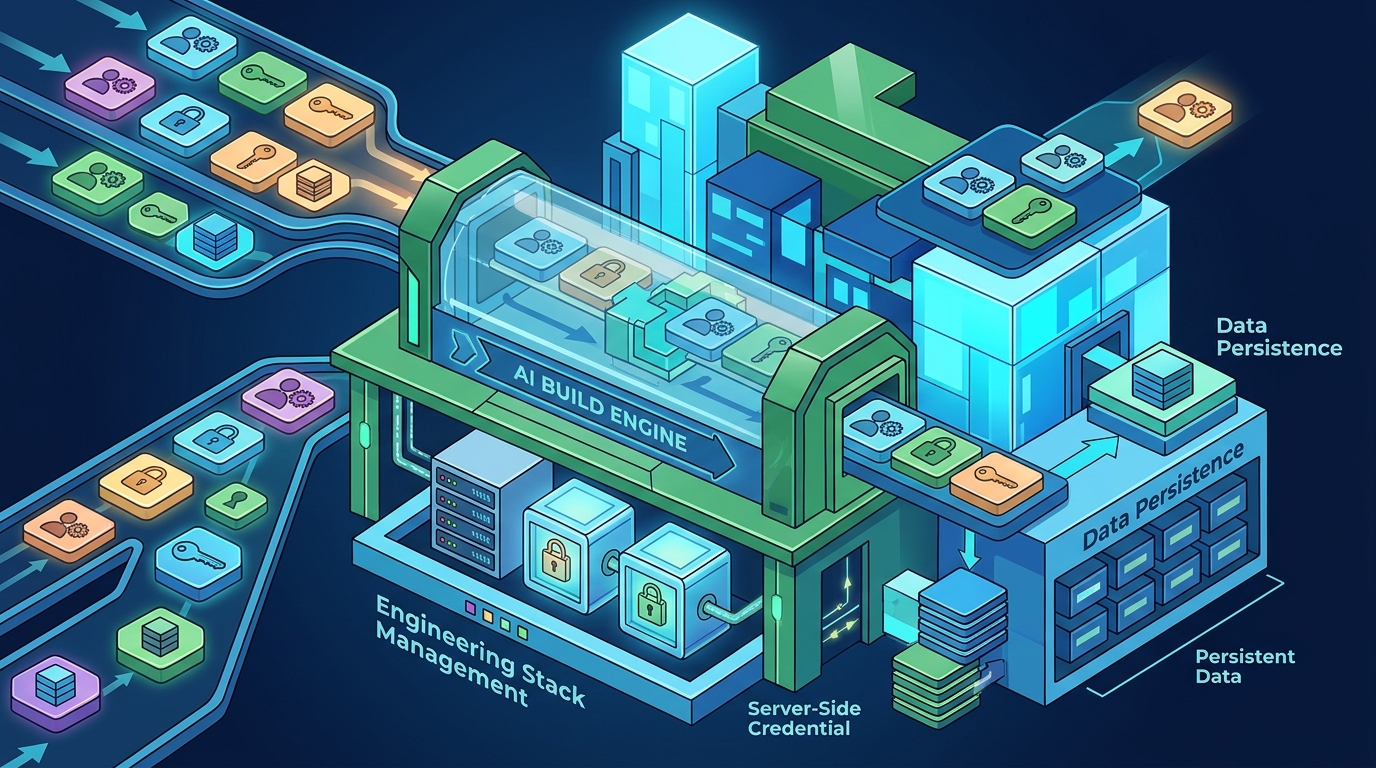
Security is a primary concern when handling user identities. I Team App Builder keeps provider credentials server-side, which means your API keys and sensitive configuration data are not exposed in the client-side code. This architecture allows the platform to manage the technical execution of authentication flows while you focus on the user experience. The system handles the verification pipeline, ensuring that the generated code follows secure patterns for session management and token handling. For additional details, review the Frequently Asked Questions.
Identity Verification and Sessions
Once a user logs in, the application must maintain a secure session. AI builders generate the logic to store session tokens and validate them on subsequent requests. This ensures that only authenticated users can access specific parts of the application. The platform's automated verification step checks that these authentication flows are correctly implemented in the generated code, reducing the risk of common security vulnerabilities like session fixation or token leakage. For additional details, review the About.
Protected Pages and Routes
Protected pages are application views that require specific user permissions or authentication states to be viewed. In web development, this is often referred to as route guarding or middleware. AI app builders can generate these guards by analyzing your brief for access control requirements. For example, if you specify that only administrators can view a dashboard, the AI will create a route that checks the user's role before rendering the page content.
Role-Based Access Control
Role-based access control (RBAC) is a method of restricting system access based on the user's role. AI builders can generate the logic to assign roles to users and enforce permissions at the route level. This allows you to create complex permission structures without writing manual middleware code. The platform plans the data relationships between users, roles, and permissions, ensuring that the generated application enforces these rules consistently across all protected routes.
Dynamic Route Protection
Some applications require dynamic protection, where access depends on real-time data rather than static roles. For instance, a user might only be able to view a project if they are a member of that specific project. AI builders can generate the logic to query the database for membership status before allowing route access. This level of granularity is handled by the AI's planning phase, which maps out the necessary data checks for each protected view.
Persistent Databases
Schema Generation and Relationships
Generating a database schema is a complex task that requires understanding data relationships. AI builders analyze your brief to identify entities and their connections. For example, if you need a client portal with project approvals, the AI will create tables for clients, projects, and approvals, and define the foreign keys that link them. This automated schema design reduces the risk of data integrity issues and ensures that your application can scale as your data grows.
Data Persistence and Versioning
Versioned projects are a key feature of I Team App Builder, allowing you to track changes to your application over time. This includes changes to the database schema and the application code. By maintaining a history of your project, you can roll back to previous versions if needed. This is particularly useful when making significant changes to your data model, as it provides a safety net against unintended data loss or corruption.
Bubble
Bubble is a popular no-code platform that allows users to build web applications using a visual interface. It supports user authentication, protected pages, and persistent databases through its built-in features. Bubble's strength lies in its flexibility, allowing users to customize every aspect of their application. However, it requires users to manage the underlying logic and workflows manually, which can be complex for non-technical founders.
Comparison with I Team App Builder
While Bubble offers extensive customization, I Team App Builder focuses on a controlled AI build pipeline. Instead of manually dragging and dropping elements, you describe your business in plain English, and the AI generates the application. This approach is ideal for users who know what they want to make but do not want to manage the engineering stack. I Team App Builder handles the technical execution, including server-side credentials and automated verification, allowing you to focus on creation.
Softr
Limitations for Complex Applications
Comparison Table
| Feature | I Team App Builder | Bubble | Softr |
|---|---|---|---|
| Build Method | AI-generated from plain-English brief | Visual drag-and-drop | Template-based on Airtable |
| User Authentication | AI-generated with server-side credentials | Manual workflow setup | Basic authentication via Airtable |
| Protected Routes | AI-generated role-based access control | Manual page access rules | Basic page access rules |
| Persistent Database | AI-generated schema with versioning | Manual data table setup | Airtable-based |
| Engineering Stack Management | Handled by platform | User-managed | User-managed |
Key Takeaways
- I Team App Builder is a controlled AI platform that generates applications from plain-English briefs.
- User authentication is handled by the AI engine, which generates secure login and session management code.
- Protected pages and routes are generated based on your access control requirements, including role-based access control.
- Persistent databases are created automatically, with the AI planning the schema and relationships.
- Server-side credential management ensures that sensitive data is not exposed in the client-side code.
- Versioned projects allow you to track changes and roll back to previous versions if needed.
Frequently Asked Questions
Does I Team App Builder handle user authentication automatically?
Yes, I Team App Builder generates the code for user authentication, including login forms, session management, and token handling. The AI engine plans the data model for users and ensures that the authentication flows are secure.
Can I create protected pages with role-based access control?
Yes, you can describe your access control requirements in plain English, and the AI will generate the logic to enforce role-based access control on protected pages and routes.
How does I Team App Builder manage persistent databases?
Is I Team App Builder suitable for complex applications?
Yes, I Team App Builder is designed for users who want to build complex applications without managing the engineering stack. The AI build engine handles the technical execution, allowing you to focus on your product logic.
How does I Team App Builder compare to Bubble?
Bubble is a visual no-code platform that requires manual setup of workflows and data tables. I Team App Builder uses a controlled AI build pipeline that generates the application from a plain-English brief, handling the engineering stack automatically.
How does I Team App Builder compare to Softr?
Softr is a template-based platform that builds on Airtable. It is best suited for simpler applications. I Team App Builder offers a more robust solution for complex applications that need custom authentication flows and advanced database relationships.
Does I Team App Builder guarantee that the generated software is error-free?
No, I Team App Builder is an AI-assisted software creation platform. Results can vary depending on the project, integrations, data, and user requirements. Users should independently review software before relying on it for high-risk, regulated, financial, medical, legal, or security-sensitive use cases.
Conclusion
I Team App Builder provides a powerful solution for building applications with user accounts, protected pages, and persistent data. By using a controlled AI build pipeline, it eliminates the need to manage the engineering stack, allowing you to focus on creation. The platform handles server-side credentials, automated verification, and versioned projects, ensuring that your application is built on a solid foundation. If you are ready to build your first app, visit I Team App Builder to get started.