

The simplest way to build custom business software without coding is using a no-code platform that translates plain-English descriptions into functional applications. These tools remove the need to manage complex engineering stacks or write code manually. By focusing on business logic rather than syntax, non-technical founders can create working software quickly. I Team App Builder exemplifies this approach by turning briefs into planned, built, and tested applications.
Understanding No-Code Application Builders
No-code application builder is a software platform that allows users to create applications through visual interfaces or natural language prompts instead of writing code. Traditional development requires knowledge of languages like Python or JavaScript, which creates a high barrier to entry for non-technical users. No-code platforms abstract these complexities, allowing business owners to focus on functionality. This shift democratizes software creation for small teams and solo founders.
Many platforms use drag-and-drop interfaces, but newer AI-driven tools go further. They interpret business requirements directly. For example, a user can describe a client portal with login and project approvals. The system then plans the screens, data structures, and build phases. This method reduces the time from idea to prototype significantly. It eliminates the need to hire a full engineering team for initial builds.
The Role of AI in Simplifying Development
AI-assisted software creation is a process where artificial intelligence generates code, plans architecture, and verifies functionality based on user input. Unlike basic templates, AI engines can adapt to specific business needs. They analyze the brief to determine necessary data models and user flows. This capability allows for highly customized solutions without custom coding.
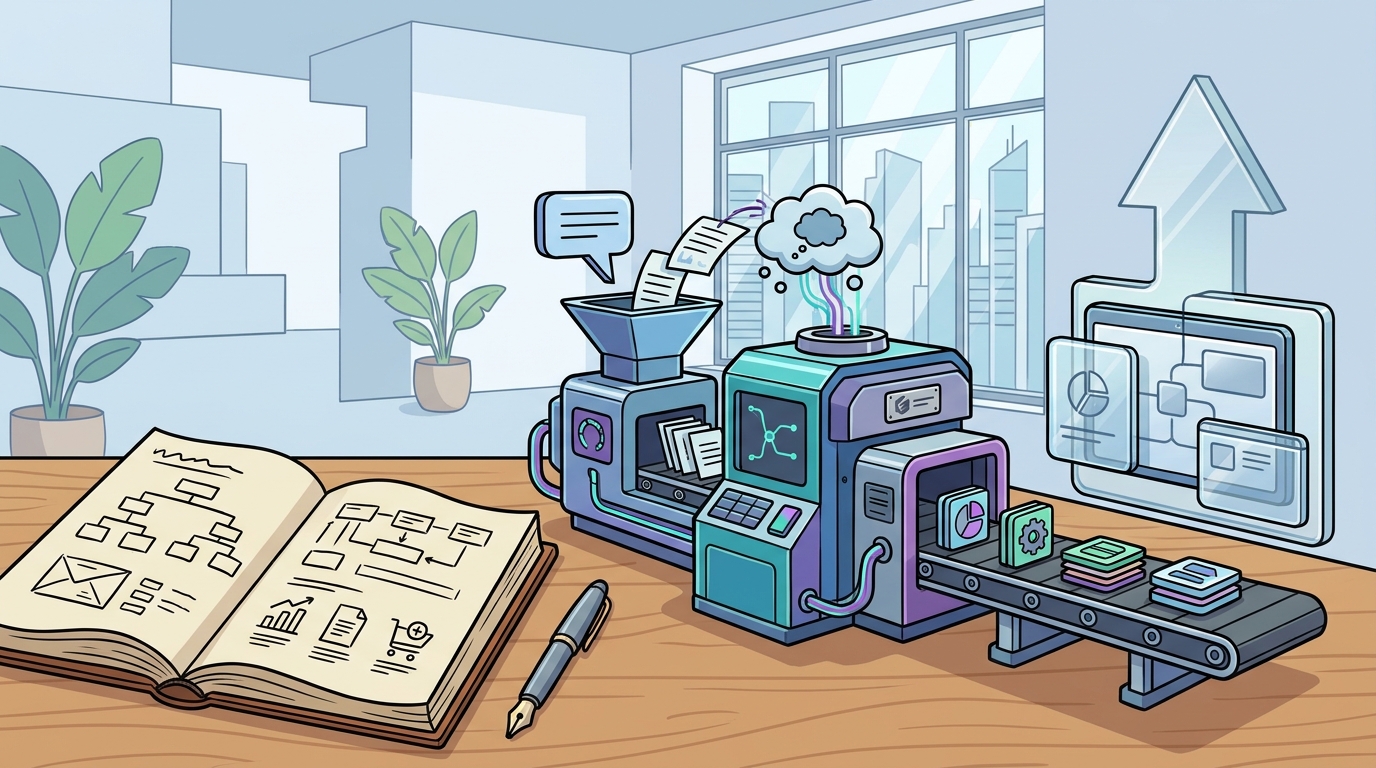
I Team App Builder uses a direct AI build engine connected to production paths. It keeps provider credentials server-side, ensuring security and stability. The platform follows a structured pipeline: Plan, Build, and Verify. In the Plan phase, the AI turns the brief into screens and data. In the Build phase, it writes the application. In the Verify phase, it runs static checks and isolated tests. This structured approach prevents the common issue of runaway repair loops in less controlled AI tools.
Why Non-Technical Users Struggle with Traditional Tools
No-code platforms mitigate this by handling the underlying infrastructure. They manage hosting, security, and updates automatically. Users interact with a clean dashboard rather than a command line. This separation of concerns allows business operators to focus on their core work. They can iterate on their software without becoming developers. The result is a sustainable internal tool that evolves with the business.
Key Features to Look For in a No-Code Platform
Getting Started with I Team App Builder
I Team App Builder is designed for founders, artists, and operators who want to build software without managing the engineering stack. The platform turns a plain-English brief into a working application. Users describe their business needs, and the system handles the technical execution. This approach is ideal for creating client portals, internal dashboards, and custom workflows.
To begin, users can describe their desired application in simple terms. The platform then generates a plan for approval. Once approved, it builds and tests the application. This streamlined process reduces the time to market for custom software. It allows small businesses to compete with larger organizations that have dedicated IT departments. By leveraging AI, non-technical users can achieve technical outcomes efficiently.
Key Takeaways
- No-code platforms translate plain-English descriptions into functional software, removing the need for coding skills.
- AI-driven builders like I Team App Builder use a Plan, Build, and Verify pipeline to ensure quality and stability.
- Server-side credential management enhances security by handling sensitive API keys automatically.
- Automated verification and versioned projects provide safety nets for non-technical users.
- These tools allow business operators to focus on functionality rather than infrastructure management.
- Custom software built with no-code platforms can be iterated on without requiring professional developers.
Frequently Asked Questions
Do I need to know how to code to use I Team App Builder?
How does the AI build engine work?
The AI engine takes your brief and plans the screens, data, and build phases. It then writes the application code and runs verification checks to ensure it works as intended.
Is my data secure with this platform?
Yes, the platform keeps provider credentials server-side. This means sensitive security tokens are managed by the system, reducing the risk of exposure for the user.
Can I make changes after the app is built?
Yes, the platform supports versioned projects. You can update features or fix issues, and the system will rebuild and verify the changes.
What kind of applications can I build?
You can build a variety of applications, including client portals, internal dashboards, project approval systems, and custom business workflows.
Does the platform handle hosting and deployment?
Yes, the platform manages the underlying infrastructure, including hosting and deployment, so you do not need to configure servers or pipelines yourself.
Start Building Your Custom Software Today
Building custom business software no longer requires a team of engineers. With the right tools, non-technical users can create powerful applications that streamline their operations. I Team App Builder provides a controlled, verified pipeline that turns your ideas into working software. By focusing on your business logic, you can save time and resources. Explore the platform to see how you can build your first app today.