

A fully functional AI-built app is a deployed software system that processes real user input, persists data, and executes business logic without manual intervention. It is not a static visual mockup or a disconnected prototype. Instead, it is a running environment where the frontend, backend, and database communicate continuously. I Team App Builder focuses on this operational reality, ensuring that the software you create is a working tool rather than a design artifact. For additional details, review the .
The Anatomy of a Running Application
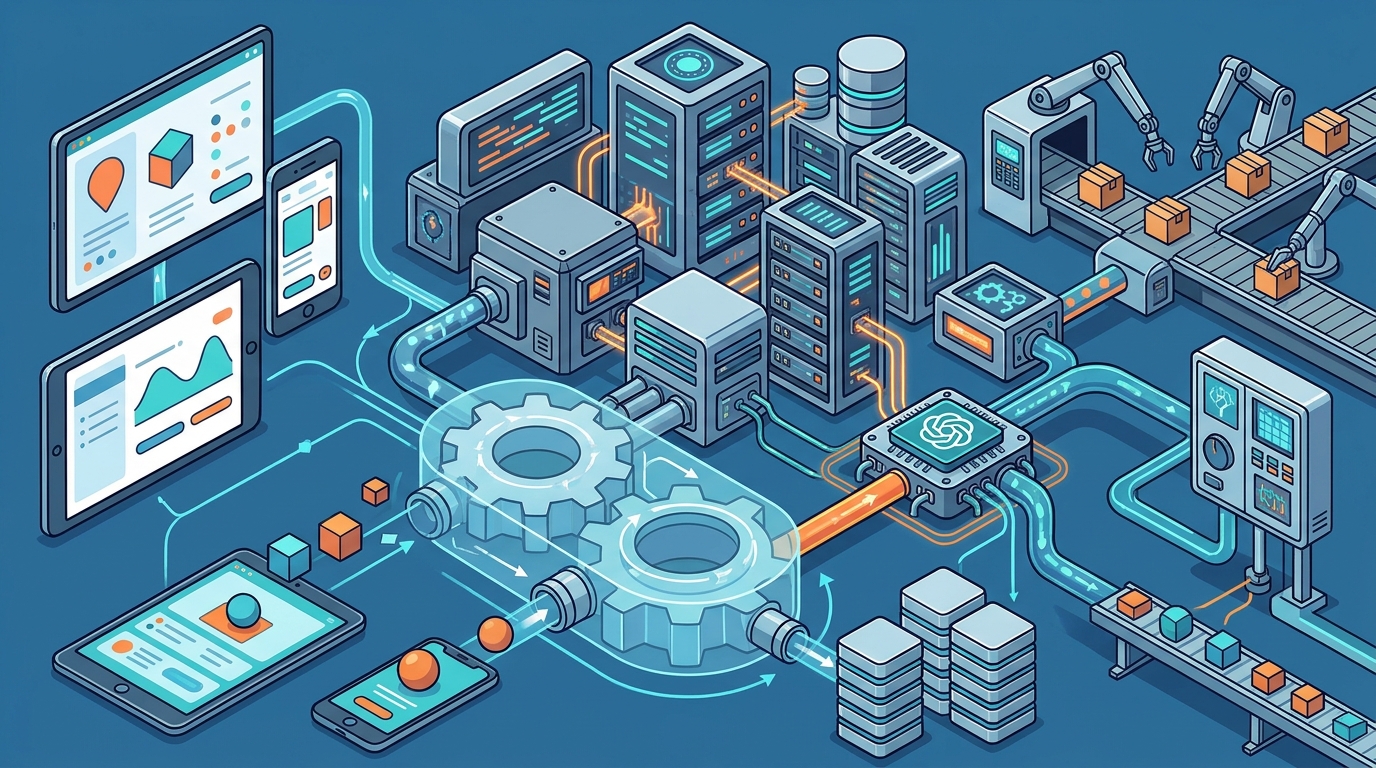
When an application is live, it operates as a cohesive unit of distinct technical layers. A live app is a system where the user interface, application logic, and data storage function in a synchronized loop. This synchronization is what separates a working product from a visual demo. In a static mockup, clicking a button does nothing. In a live application, that click triggers a request to the server, which queries the database and returns a dynamic response. For additional details, review the Frequently Asked Questions.
The frontend is the visible layer, but the backend is the engine. The backend handles authentication, data validation, and business rules. For example, a client portal must verify that a user is logged in before displaying their specific project notes. This logic runs on the server, not in the browser. I Team App Builder structures these layers to ensure that the logic remains secure and consistent, regardless of how the user interacts with the interface. For additional details, review the About.
State management is another critical component of a live app. State is the current condition of the application at any given moment. When a user updates a profile field, the state changes, and the interface reflects that change immediately. This requires a robust data flow architecture. Without it, the app feels broken or unresponsive. The goal is to make the state management invisible to the user, so the experience feels seamless and instant.
Verification and Runtime Integrity
Building the code is only half the challenge. The other half is proving that the code works under real conditions. Runtime verification is the process of testing the application in a live environment to ensure it behaves as expected. This goes beyond simple syntax checks. It involves executing the application and observing how it handles data, errors, and user actions. I Team App Builder includes a verification phase in its build pipeline to catch issues before they reach the end user.
Static analysis checks the code for potential errors without running it. However, static analysis cannot detect logic errors that only appear when the app is running. For instance, a calculation might be syntactically correct but produce the wrong result due to a logical flaw. Runtime testing exposes these issues. By running the app in a controlled environment, developers can identify where the system fails and repair it. This iterative process is essential for building reliable software.
Version control is the backbone of this verification process. Version control is a system that tracks changes to the codebase over time. It allows developers to roll back to a previous state if a new update introduces a bug. In a live environment, this safety net is crucial. It ensures that you can always return to a known good state. I Team App Builder manages versioned projects, allowing you to see the history of your application and understand how it evolved.
Handling Real-World Data and Users
A live app must handle data that is messy, incomplete, and unpredictable. Real-world data is rarely as clean as the data used in a prototype. Users might enter text in unexpected formats, upload files that are too large, or submit forms with missing fields. The application must be designed to handle these edge cases gracefully. This is where input validation and error handling become critical.
Error handling is the mechanism by which an application responds to unexpected events. A well-designed app does not crash when it encounters an error. Instead, it displays a clear, user-friendly message that explains what went wrong and how to fix it. For example, if a payment fails, the app should tell the user that the transaction was not completed and suggest trying a different payment method. This level of detail is what makes an app feel professional and trustworthy.
Security is another major consideration for live applications. Security is the practice of protecting the application and its data from unauthorized access and attacks. In a live environment, the app is exposed to the internet, making it a target for malicious actors. This requires implementing authentication, authorization, and data encryption. I Team App Builder keeps provider credentials server-side, which helps protect sensitive information and reduces the attack surface.
The Operational Reality of Deployment
Deployment is the process of moving the application from a development environment to a production environment. This is the moment when the app becomes live and accessible to users. Deployment is not a one-time event. It is an ongoing process that involves monitoring, updating, and maintaining the application. A live app requires continuous attention to ensure it remains stable and performant.
Monitoring is the practice of tracking the application's performance and health in real time. It involves collecting data on metrics such as response time, error rate, and resource usage. This data helps developers identify issues before they impact users. For example, if the response time starts to increase, it might indicate a performance bottleneck that needs to be addressed. Monitoring provides the visibility needed to maintain a high-quality user experience.
Scalability is the ability of the application to handle increased load. As your user base grows, the application must be able to handle more requests without degrading in performance. This requires a scalable architecture that can distribute load across multiple servers. I Team App Builder is designed to support this growth, allowing you to scale your application as your business expands. The goal is to ensure that the app remains fast and reliable, no matter how many users are accessing it.
Key Takeaways
- A live app is a synchronized system where the frontend, backend, and database communicate continuously.
- Runtime verification is essential for catching logic errors that static analysis cannot detect.
- Version control provides a safety net by allowing you to roll back to a known good state.
- Real-world data is messy, so the app must handle edge cases and errors gracefully.
- Security is a continuous process that requires authentication, authorization, and encryption.
- Deployment is an ongoing process that involves monitoring, updating, and maintaining the application.
- Scalability ensures that the app remains fast and reliable as the user base grows.
Frequently Asked Questions
What is the difference between a mockup and a live app?
A mockup is a static visual representation of the user interface. A live app is a dynamic system that processes input, persists data, and executes logic. The mockup shows what the app looks like, while the live app shows what the app does.
How does I Team App Builder verify that an app is working?
I Team App Builder uses a verification phase in its build pipeline. This phase runs the application in a controlled environment to test its behavior. It checks for errors, validates data flow, and ensures that the app responds correctly to user actions.
Can an AI-built app handle real-world data?
What is runtime verification?
Runtime verification is the process of testing the application in a live environment. It involves executing the code and observing how it behaves under real conditions. This helps identify issues that only appear when the app is running.
How does version control help in a live environment?
Version control tracks changes to the codebase over time. It allows developers to roll back to a previous state if a new update introduces a bug. This safety net is crucial for maintaining stability in a live environment.
Is a live app secure by default?
No, security is a continuous process. A live app must implement authentication, authorization, and data encryption to protect against unauthorized access. I Team App Builder helps manage this by keeping provider credentials server-side.
Conclusion
A fully functional AI-built app is a complex system that requires careful design, verification, and maintenance. It is not just a visual interface, but a working tool that processes data and executes logic. I Team App Builder provides the infrastructure and tools needed to build and deploy these applications. By focusing on runtime verification and secure architecture, it helps you create software that is reliable and ready for real-world use. To start building your application, visit the I Team App Builder homepage.