

What No-Code Platforms Actually Let Non-Technical Founders Ship Real Products?
Non-technical founders can ship real products using no-code platforms that handle infrastructure, deployment, and basic logic without requiring manual coding. The key is choosing tools that provide verified build pipelines and server-side management. I Team App Builder focuses on this exact workflow, turning plain-English briefs into planned, built, and tested applications. This approach removes the need to manage complex engineering stacks while maintaining control over the final output.
The Critical Role of Infrastructure Management
Infrastructure management is the process of setting up, maintaining, and securing the servers and databases that run an application. For non-technical founders, this is often the biggest barrier to entry. Traditional development requires knowledge of cloud providers, server configurations, and security protocols. No-code platforms abstract these layers, allowing users to focus on product logic rather than server maintenance.
When a platform keeps provider credentials server-side, it significantly reduces the risk of security misconfigurations. This is a critical distinction between simple drag-and-drop tools and more robust build engines. Founders should look for platforms that explicitly handle the technical execution of the stack. This ensures that the application is not just a visual prototype but a functional software product ready for real users.
Key Implication: If a platform requires you to manage your own API keys or server settings, you are still doing the work of a DevOps engineer. Choose tools that hide this complexity entirely.
Verification Pipelines and Build Integrity
Build verification is the automated process of testing code for syntax errors, logical flaws, and runtime failures before deployment. Many early-stage no-code tools generate code that looks correct but fails when executed. This leads to what is often called a "runaway repair loop," where the user spends more time fixing errors than building features.
A robust platform includes a verified build pipeline that runs static analysis and runtime checks. This means the system tests the application in a sandboxed environment before presenting it to the user. For example, if a user requests a client portal with login functionality, the platform verifies that the authentication logic works correctly. This level of automated testing is essential for shipping real products rather than just demos.
Key Implication: Look for platforms that emphasize "runtime-verified" applications. This indicates that the tool does not just generate code, but ensures the code actually runs as intended.
AI Build Engines vs. Drag-and-Drop Interfaces
An AI build engine is a system that uses large language models to translate natural language descriptions into functional software code. This differs from traditional drag-and-drop interfaces, which require users to manually place components and define connections. AI engines allow for faster iteration and more complex logic without deep technical knowledge.
However, not all AI engines are created equal. Some tools generate code that is difficult to maintain or modify. A controlled AI build engine, such as the one used by I Team App Builder, is designed to produce versioned, maintainable projects. This means the generated code follows best practices and can be updated over time without breaking existing functionality.
Key Implication: Evaluate whether the platform produces maintainable code. If the generated application is a "black box" that cannot be easily modified, it may limit your long-term growth.
Version Control and Project Management
Version control is a system that tracks changes to code over time, allowing users to revert to previous states if errors occur. In professional software development, version control is non-negotiable. For non-technical founders, it provides a safety net that prevents catastrophic failures during updates.
Platforms that offer versioned projects allow users to experiment with new features without risking the stability of the current production environment. This is particularly important for businesses that rely on their software for daily operations. By maintaining a history of changes, founders can audit what was modified and when, which is crucial for debugging and compliance.
Deployment Readiness and Production Standards
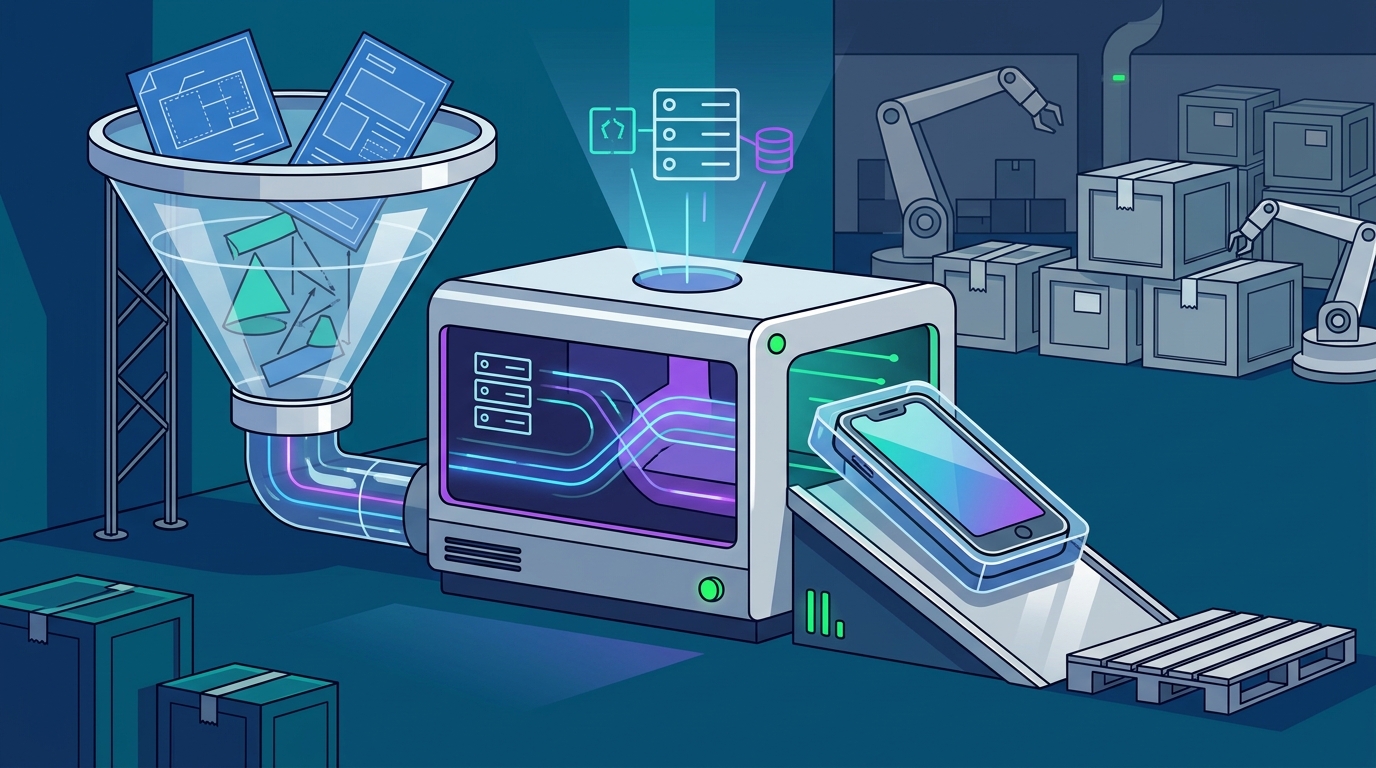
Deployment readiness is the state in which an application is fully tested, optimized, and prepared for live user traffic. Many no-code platforms stop at the prototype stage, leaving founders to figure out how to deploy the app to a live server. This gap between prototype and production is where many projects fail.
A platform that prepares applications for deployment handles the final steps of optimization, security scanning, and hosting configuration. This means the user receives a product that is ready to be shared with customers or clients. For instance, a platform might automatically configure SSL certificates and set up domain connections. This level of readiness is what separates a toy from a real business tool.
Key Implication: Ask how the platform handles the final deployment step. If you have to manually export code and host it elsewhere, the platform is not fully serving your needs.
Key Takeaways
- Infrastructure management is the primary barrier for non-technical founders; choose platforms that handle server-side credentials and configuration.
- Build verification pipelines are essential to avoid runaway repair loops and ensure generated code actually runs.
- AI build engines should produce maintainable, versioned code rather than opaque black-box applications.
- Version control provides a safety net for iteration, allowing safe experimentation and rollback capabilities.
- Deployment readiness determines whether a platform delivers a prototype or a production-ready product.
- Look for platforms that explicitly state their testing and verification processes to understand the level of quality assurance provided.
Frequently Asked Questions
What is the main difference between no-code and low-code platforms?
Can I really ship a real product without knowing how to code?
Yes, provided the platform handles the underlying infrastructure, verification, and deployment. The key is choosing a tool that abstracts the technical complexity while providing verified, production-ready output. You do not need to understand server configuration if the platform manages it for you.
What is a verified build pipeline?
A verified build pipeline is an automated system that tests generated code for errors and runtime failures before presenting it to the user. This ensures that the application is not just visually correct but functionally stable. It helps prevent the need for extensive manual debugging.
How do I know if a no-code platform is secure?
Look for platforms that keep provider credentials server-side and do not expose sensitive API keys to the user. Additionally, check if the platform performs security scans as part of its build process. You should always independently review software before using it for sensitive data, as no platform can guarantee absolute security.
What happens if the generated code has bugs?
Platforms with robust verification pipelines will catch most syntax and runtime errors before deployment. However, logical errors may still occur. This is why version control is important; it allows you to revert to a previous stable version if a bug is introduced. Always test your application thoroughly before relying on it for critical business operations.
Is I Team App Builder suitable for all types of businesses?
I Team App Builder is designed for founders, artists, and small teams who want to build applications without managing an engineering stack. It is particularly useful for creating client portals, dashboards, and internal tools. However, results can vary depending on the project complexity and specific requirements. Users should review the generated software independently for high-risk or regulated use cases.
Conclusion
Choosing the right no-code platform is about more than just ease of use. It is about ensuring that the tool handles the technical heavy lifting, from infrastructure to deployment, so you can focus on your product vision. I Team App Builder offers a controlled AI build pipeline that turns plain-English briefs into verified, versioned applications. By prioritizing platforms that emphasize verification and production readiness, non-technical founders can ship real products with confidence. To start building, visit the I Team App Builder homepage and explore how the platform can support your next project.