

The easiest way to build internal tools with AI without managing infrastructure is to use a platform that abstracts the entire engineering stack. I Team App Builder allows you to describe your business needs in plain English. The system then plans, builds, tests, and verifies the application. You focus on the logic and data, while the platform handles the underlying technical execution. For additional details, review the .
Why Infrastructure Management Slows Down Internal Tool Development
Building internal tools often fails because the technical overhead outweighs the business value. Infrastructure management is the process of configuring, securing, and maintaining the servers, databases, and networks that run your software. For small teams, this task consumes the majority of the development timeline. You spend weeks setting up environments, managing dependencies, and debugging deployment pipelines. This delays the actual creation of the tool your business needs.
When you use a traditional development approach, you must hire or contract engineers who understand these systems. This adds cost and complexity. A controlled AI build pipeline removes this friction. It allows you to skip the infrastructure setup entirely. You can move from a rough idea to a working prototype in a fraction of the time. This shift lets you focus on the specific workflows you want to automate.
The Controlled AI Approach to Building
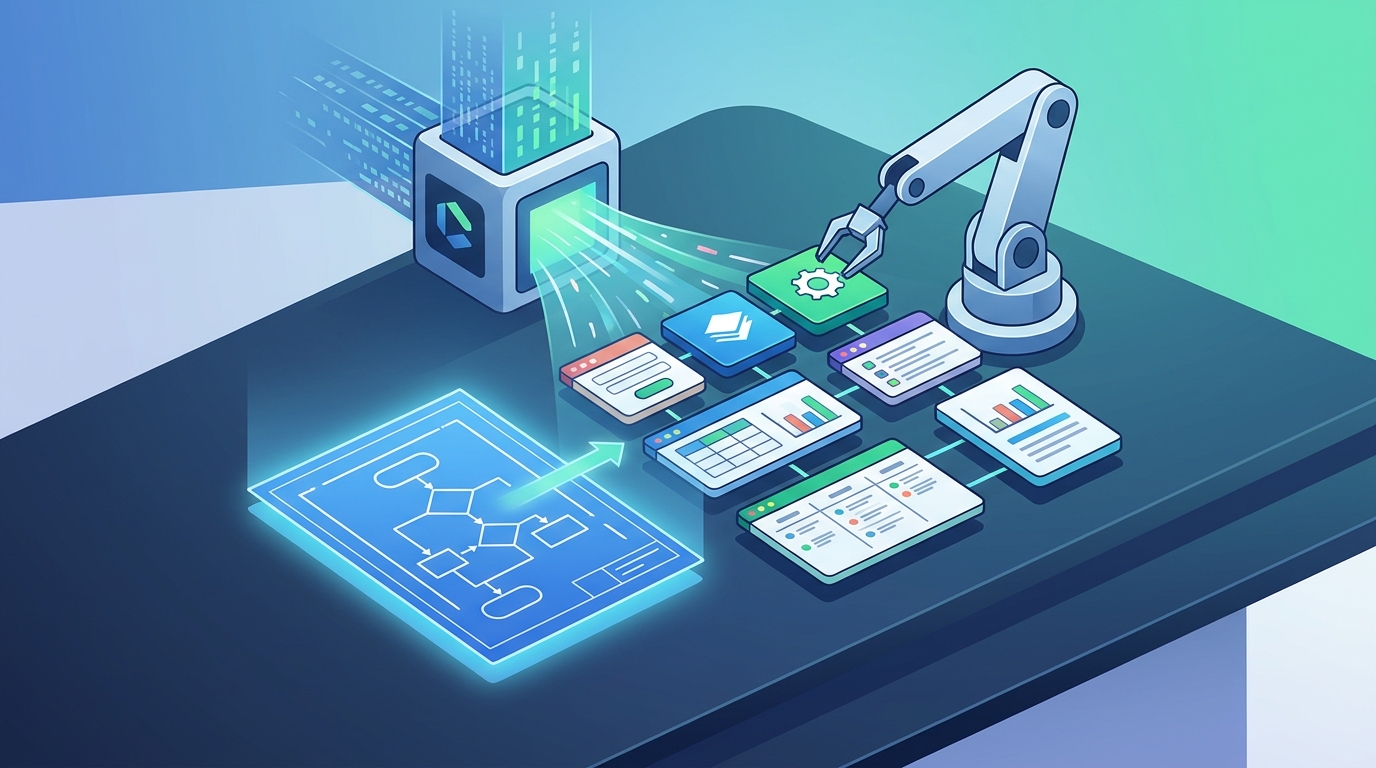
A controlled AI build pipeline is a system that uses artificial intelligence to generate software within strict safety and verification boundaries. Unlike open-ended chatbots that might produce broken code, a controlled pipeline follows a structured workflow. It turns your brief into a plan, then builds the application, and finally verifies the runtime. This structure prevents the common issue of runaway repair loops. In these loops, an AI keeps trying to fix its own errors without making progress.
Defining the Right Internal Tools for Your Business
An internal tool is a software application designed to streamline specific workflows within a single organization. These tools are not meant for public customers. They are built to help your team manage data, approve projects, or track operations. Examples include client portals, inventory trackers, and approval dashboards. The key is to identify a repetitive, manual process that causes friction. Once you identify this, you can describe it to the AI build engine.
For instance, a marketing agency might need a tool to track client approvals. Instead of using email chains and spreadsheets, they can build a dashboard with persistent notes and status updates. The AI engine can generate the screens and data structures for this tool. You simply describe the fields you need and the actions your team will take. The platform then constructs the interface and the backend logic to support it.
Verification and Safety in AI-Generated Code
Verification is the process of testing the generated software to ensure it functions as intended. In a controlled pipeline, this step is automated. The system runs static analysis and runtime checks before presenting the tool to you. This helps catch errors early in the development cycle. However, it is important to understand that AI-assisted platforms do not guarantee that software is error-free or secure for every use case. You should always review the generated code and test the tool in a safe environment before relying on it for critical operations.
For high-risk, regulated, or security-sensitive applications, independent review is essential. I Team App Builder helps you prepare applications for deployment, but you remain responsible for the final validation. This approach balances speed with safety. It allows you to iterate quickly while maintaining a clear understanding of the software's limitations. You can test the tool with real data to ensure it meets your specific business requirements.
Getting Started with Your First Internal Tool
Once the build is complete, you can test the application. Check that the data persists correctly and that the user interface is intuitive. If you find issues, you can request repairs or adjustments. The platform handles the technical updates. This workflow allows you to build and refine internal tools without ever touching a server configuration file. It is the most efficient path for teams that want to leverage AI for software creation.
Key Takeaways
- Infrastructure management is the primary bottleneck in traditional internal tool development.
- A controlled AI build pipeline abstracts the engineering stack, allowing you to focus on business logic.
- Server-side credential management removes the need for you to secure backend API connections.
- Verification steps in the pipeline help catch errors, but you must still review the final software.
- Internal tools should target specific, repetitive workflows to provide immediate value.
- AI-assisted platforms do not guarantee production-ready code for high-risk or regulated use cases.
Frequently Asked Questions
Does I Team App Builder manage the server infrastructure for me?
Yes, the platform handles the technical execution of the build. It manages the underlying stack so you do not have to configure servers or networks yourself.
Can I use my own AI provider credentials?
The platform is designed to keep provider credentials server-side. This allows you to focus on creation while the system handles the technical connections securely.
Is the generated software guaranteed to be bug-free?
No, AI-assisted platforms do not guarantee that generated software is error-free. You should independently review and test the software before relying on it for critical business operations.
What kinds of internal tools can I build?
You can build tools such as client portals, project approval dashboards, and data trackers. The key is to describe a specific workflow you want to automate.
Do I need to know how to code to use the platform?
No, the platform is designed for users who know what they want to make but do not want to manage the engineering stack. You describe the business needs in plain English.
How does the verification process work?
The system runs static analysis and runtime checks to verify the application. This helps ensure the software functions as intended before you deploy it.
Start Building Your Internal Tools Today
Eliminating infrastructure management is the key to faster internal tool development. By using a platform that handles the technical stack, you can focus on the business value of your software. I Team App Builder provides the controlled environment you need to build, test, and verify your applications. You can start by describing your first workflow and letting the system handle the rest. To begin your journey, visit I Team App Builder and build your first app.